- Home
- Services
-
DIGITAL MARKETING
 Search Engine Optimization
  Social Media Optimization
- Guest Posting Service
 Brand Reputation Management
 - Apps Marketing
- Facebook Advertising
 PPC Management
  SEO Migration & Consultancy
  Local Business Listing
WEB DEVELOPMENT
- Core PHP Web Development
- E-Commerce Web Development
 Open Source Development
  Content Management System
 - Database Development
 Website Maintenance
 Website Migration
WEB DESIGN
- Custom Website Design
- E-Commerce Web Design
- Flash Designing
- Facebook Page Design
 Re-Designing
  Logo Designing & Branding
 - PSD to HTML Development
Application Development
 Web Application Development
 - iPhone App Development
- Android App Development
- Window App Development
- Facebook App Development
Other Services
 Content Writing Service
  Hire Dedicated Resource
-
- Packages
- About Us
- Contact Us


Progressive Web Apps
We engineer advanced PWAs that bridge the gap between web flexibility and native app performance. Utilizing modern service workers, web manifest architecture, and advanced caching strategies, our PWAs load instantly on flaky networks, work offline, send push notifications, and can even be installed directly to a user's home screen with a single tap.
15+
Years Experience500+
Projects Delivered30+
Countries Served99%
Client RetentionRequest a Project Quote
Get a customized technical architecture plan from our experts.
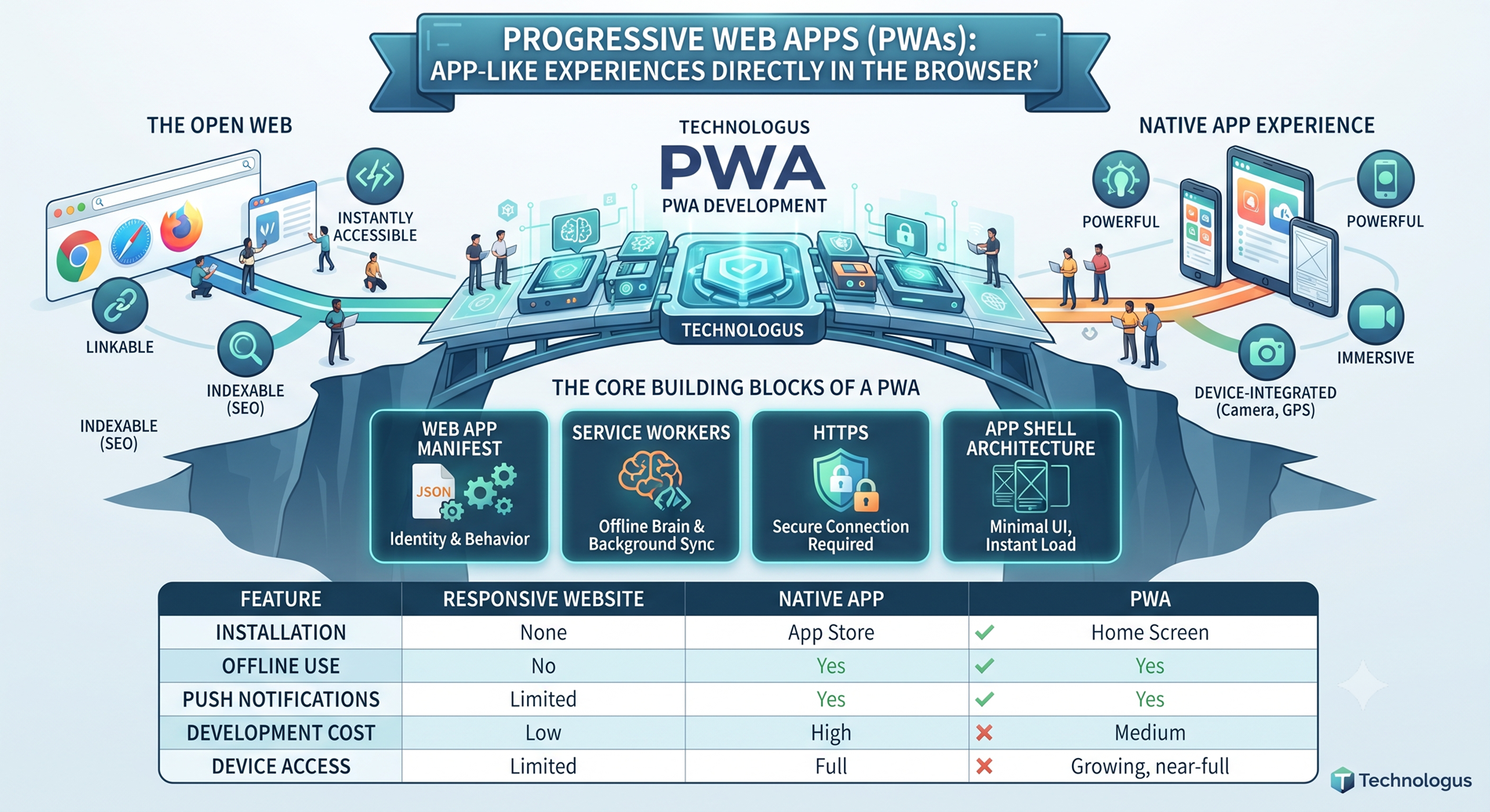
Progressive Web Apps (PWAs): App-Like Experiences Directly in the Browser
A Progressive Web App is a web application built using standard web technologies — HTML, CSS, and JavaScript — but enhanced with modern web capabilities to deliver a native-app-like experience. The word “progressive” is key: these apps work for every user, regardless of browser choice, because they’re built with progressive enhancement as a core principle. That means they start with a baseline experience and layer on richer features for browsers that support them.
Think of it as a bridge. On one side you have the open, linkable, instantly-accessible world of the web. On the other, the powerful, immersive, device-integrated world of native apps. PWAs sit comfortably in the middle — taking the best of both and leaving behind the worst of each.
You don’t download them from an app store. You don’t wait through a heavy installation. You visit a URL, the app loads, and with a single tap, it’s on your home screen, ready to go.
The Core Building Blocks of a PWA
Every solid PWA rests on a few foundational technologies. Understanding these helps explain why PWAs feel so different from regular websites.
1. Web App Manifest This is a simple JSON file that tells the browser how the app should behave when “installed.” It defines the app’s name, icons, theme color, start URL, and whether it should open in full-screen mode. Without a manifest, a PWA is just a website — with it, the app gets its own identity on the user’s device.
2. Service Workers If the manifest is the PWA’s identity, the service worker is its brain. It’s a script that runs in the background, separate from the web page, and acts as a network proxy. Service workers enable the features that make PWAs feel magical — offline functionality, background sync, push notifications, and intelligent caching. They’re the reason a PWA still works when your Wi-Fi drops.
3. HTTPS Security isn’t optional for PWAs. Service workers (and several other powerful APIs) only function over a secure connection. This protects users from tampering and ensures the app behaves exactly as intended.
4. App Shell Architecture The “shell” is the minimal HTML, CSS, and JavaScript required to power the app’s user interface — the header, navigation, drawers, and layout. By caching this shell upfront, the PWA can paint its interface instantly on repeat visits, then fetch content separately. This is what gives PWAs that snappy, native feel.
Key Features That Set PWAs Apart
Let’s get into the meat of what makes PWAs genuinely useful.
- Offline functionality: Thanks to service workers and caching, PWAs keep working with little or no connectivity. A user on a flaky metro Wi-Fi connection can still browse products, read articles, or draft a message.
- Installable: Users can add the PWA to their home screen directly from the browser. No app store, no review process, no 100MB download.
- Push notifications: PWAs can re-engage users with push notifications, just like native apps — great for promos, updates, or reminders.
- Fast and responsive: With intelligent caching and an app shell model, PWAs load in fractions of a second. Performance is baked in, not bolted on.
- Cross-platform: One codebase runs on Android, iOS, Windows, macOS, and Linux. Build once, reach everyone.
- Discoverable: Because PWAs are fundamentally websites, they’re indexed by search engines. Users can find them through Google, share them via links, and arrive via deep URLs.
- Device integration: Modern PWAs can access the camera, GPS, microphone, contacts, and even file storage — blurring the line with native apps.
- No update friction: Updates happen silently in the background. The next time the user opens the app, they’re on the latest version. No “Update Now” prompts, no app store approvals.
How PWAs Compare: PWA vs. Native App vs. Responsive Website
This is the question every business eventually asks. Here’s an honest breakdown.
| Feature | Responsive Website | Native App | Progressive Web App |
|---|---|---|---|
| Installation | None | App store download | Add to home screen |
| Offline use | No | Yes | Yes |
| Push notifications | Limited | Yes | Yes |
| Discoverability (SEO) | Excellent | Poor (app store) | Excellent |
| Development cost | Low | High (per platform) | Medium (single codebase) |
| Update speed | Instant | App store review cycle | Instant |
| Performance | Good | Excellent | Very good |
| Device access | Limited | Full | Growing, near-full |
The takeaway: if you want native-level polish and are willing to invest heavily per platform, go native. If you want maximum reach with minimum friction, a PWA is the sweet spot.
Why Businesses Are Betting on PWAs
The shift toward PWAs isn’t hype — it’s driven by real, measurable outcomes. Reach more users without the app store bottleneck. App store discovery is brutal. The average user downloads zero new apps per month. A PWA sidesteps this entirely — users just click a link.
Lower development and maintenance costs. Instead of maintaining separate iOS, Android, and web teams, a PWA gives you one codebase that works everywhere. Updates roll out instantly, no approvals required.
Better conversion rates. Companies like Twitter, Pinterest, and Starbucks have publicly reported significant lifts in engagement and conversions after launching PWAs. Twitter Lite saw a 65% increase in pages per session. Starbucks’ PWA doubled daily active users. Numbers like these are hard to ignore.
Improved performance on slow networks. In regions with unreliable connectivity — which is much of the world — PWAs shine. Caching and offline support mean users aren’t punished for a bad connection.
Smaller footprint. A native app might be 80MB; a PWA might be a few hundred kilobytes. That matters in emerging markets where storage is precious and data is metered.
Real-World Use Cases for PWAs
PWAs aren’t limited to one industry. They shine wherever speed, reach, and engagement matter.

Social & community
Twitter Lite and Pinterest’s PWA are textbook examples of how social platforms can reduce friction and boost engagement.
E-commerce
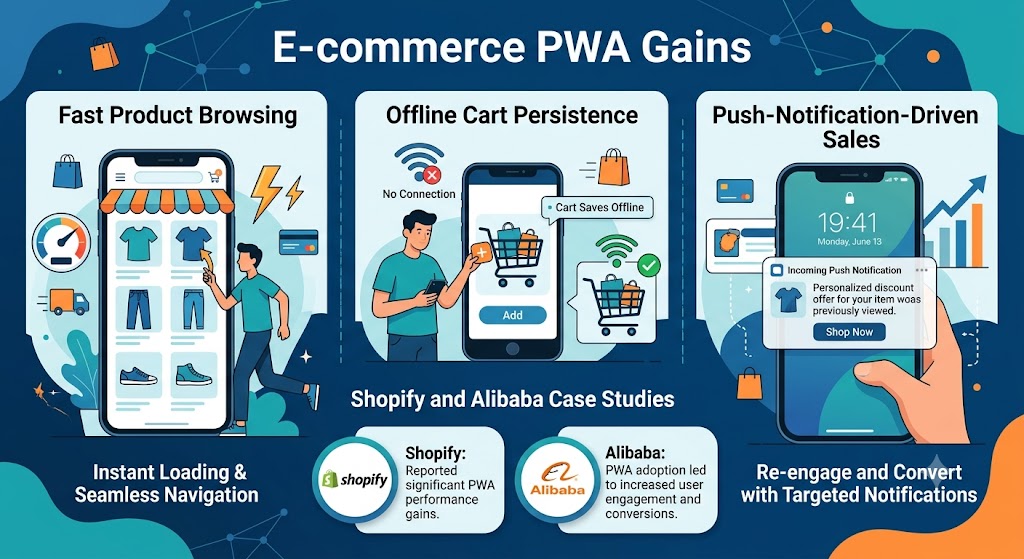
Fast product browsing, offline cart persistence, and push-notification-driven sales. Shopify and Alibaba have reported huge gains from PWA adoption.
Media & publishing
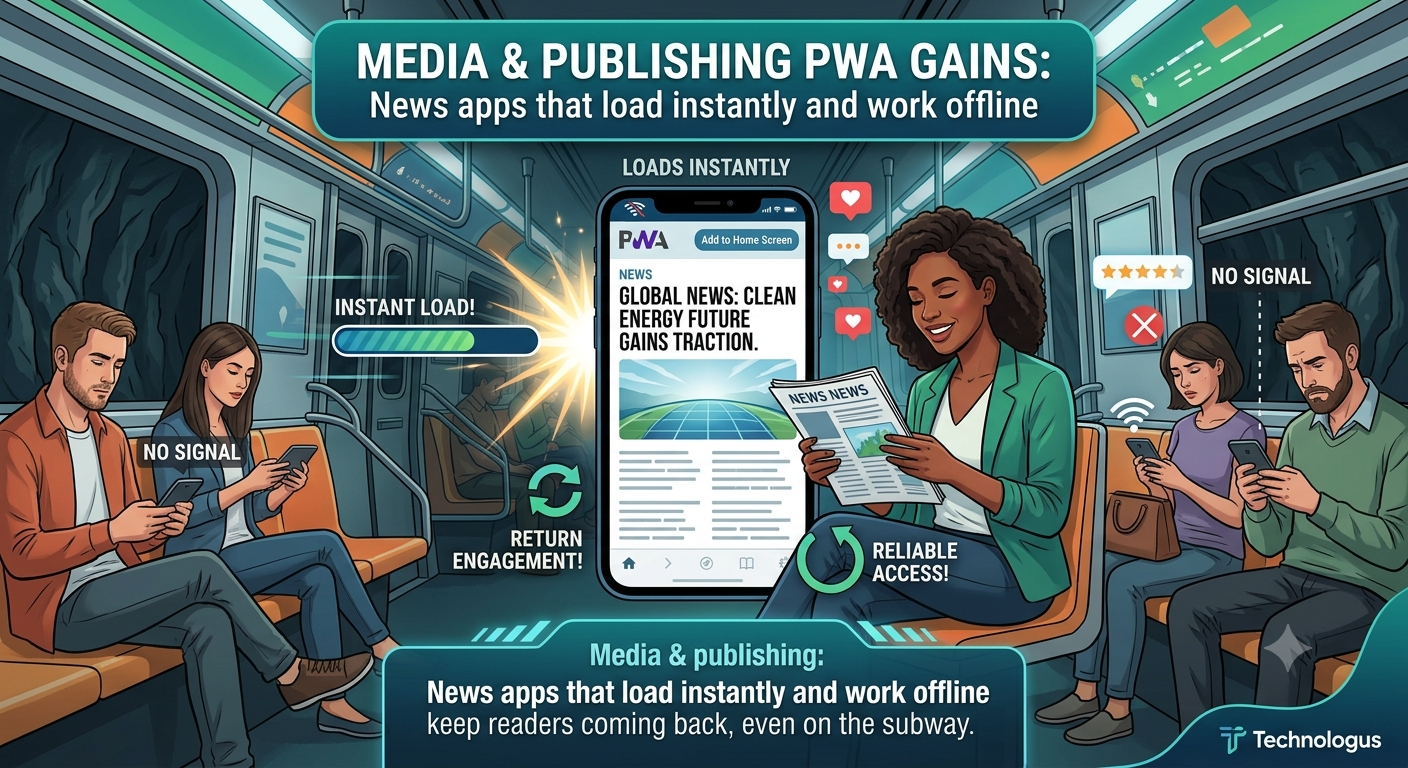
News apps that load instantly and work offline keep readers coming back, even on the subway.
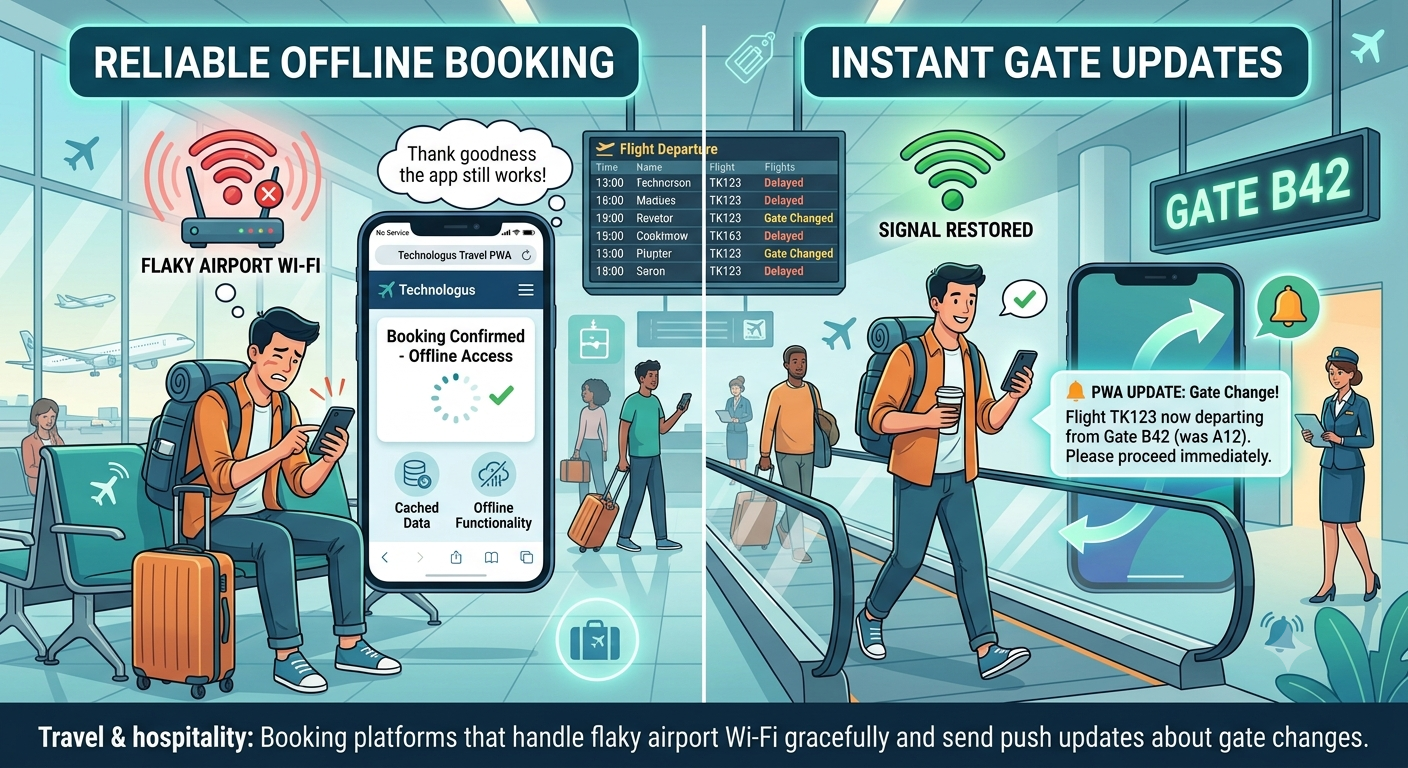
Travel & hospitality
Booking platforms that handle flaky airport Wi-Fi gracefully and send push updates about gate changes.
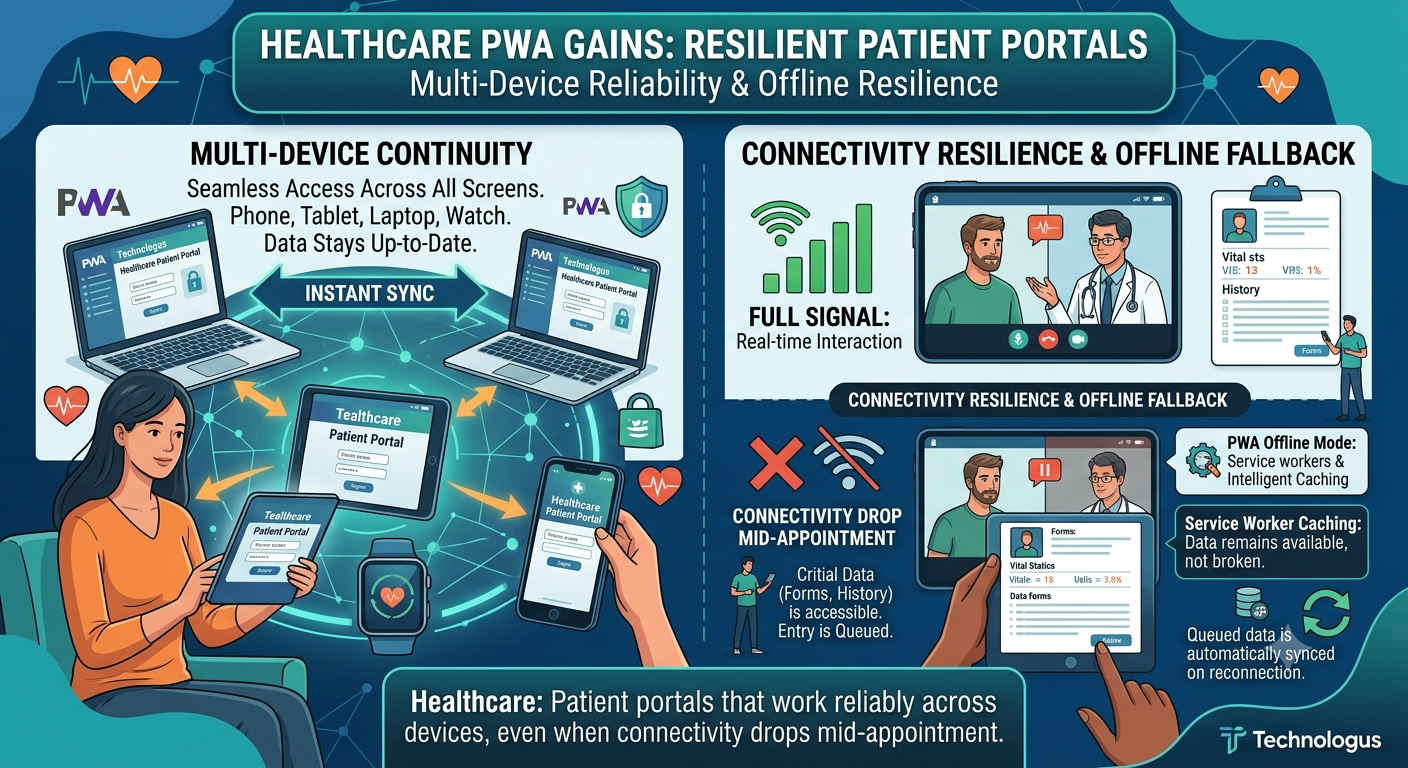
Healthcare
Patient portals that work reliably across devices, even when connectivity drops mid-appointment.

Finance & banking
Lightweight apps for balance checks and transfers that don’t require a heavy native install.
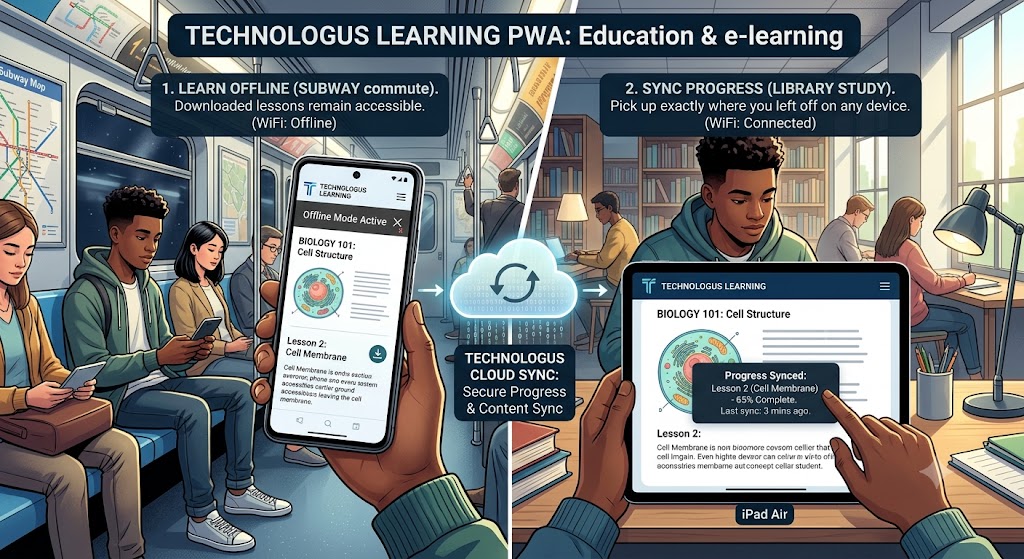
Education & e-learning
Lesson platforms accessible on any device, with offline reading and progress sync.
Common Myths About PWAs (Let’s Clear a Few Up)
“PWAs can’t fully replace native apps.” For many use cases — especially content, commerce, and utility apps — they absolutely can. There are still edge cases (heavy gaming, advanced AR/VR, deep Bluetooth integrations on iOS) where native wins, but the gap narrows every year.
“iOS doesn’t support PWAs properly.” This was true years ago. Apple has steadily added PWA support — home screen installation, push notifications, and service workers all work on iOS Safari now.
“PWAs are just a fad.” Given that companies like Starbucks, Tinder, Uber, Twitter, and Spotify have invested heavily in PWA strategies, this technology is clearly here to stay.
“PWAs can’t be monetized.” Not true. While they don’t use traditional in-app purchases, PWAs support web-based payments, subscriptions, and advertising with ease.
What to Look for in a PWA Development Partner
Not every agency that builds websites can build a great PWA. The bar is higher — it requires fluency in service workers, caching strategies, performance budgets, manifest configuration, and cross-browser testing. Look for a partner who thinks in terms of:
- Performance budgets and Core Web Vitals
- Thoughtful offline-first architecture (not just “cache everything”)
- Proper push-notification strategy (opt-in, relevant, non-spammy)
- Accessibility and cross-device testing
- SEO and discoverability, since a PWA is still a website
- Analytics that actually measure engagement, not just pageviews
Why Choose Technologus
Choosing the right team to build your PWA is half the battle. Here's what sets Technologus apart — and why it matters for your project.
Deep Expertise in Modern Web Architecture
We don't just build websites and slap a manifest on top. Our engineers live and breathe service workers, caching strategies, app-shell architecture, and the latest web APIs. We architect PWAs to be fast by design — not fast by accident. That means thoughtful decisions about what gets cached, how background sync behaves, and how the app degrades gracefully when features aren't supported. The result is a PWA that feels native from the first tap.
Build Once, Reach Every Platform —
Without Compromise A well-built PWA should work flawlessly on a five-year-old Android phone, a brand-new iPhone, and a desktop browser alike. We test rigorously across devices, browsers, and network conditions (including deliberately terrible ones) so your users never hit a wall. You get the cost savings of a single codebase without the "it mostly works on most devices" caveats that plague rushed PWA builds. Your brand stays consistent everywhere.
Performance and SEO Baked Into Everything
We Do A PWA that loads slowly or isn't discoverable defeats the entire point. We treat Core Web Vitals, search-engine indexing, and accessibility as non-negotiables from day one — not afterthoughts. That means your PWA ranks in search results, performs well under Google's performance signals, and reaches users organically. Many agencies deliver a flashy PWA that nobody can find; we build one that performs and gets discovered.
Ongoing Partnership, Not Just a Handover
A PWA is a living product. Browsers evolve, new APIs land, user expectations shift. We don't disappear after launch. Technologus provides ongoing optimization, monitoring, feature expansion, and proactive updates so your PWA stays fast, secure, and relevant as the web moves forward. We measure real-world engagement, iterate based on data, and keep your app ahead of the curve. Think of us as a long-term technology partner, not a one-time vendor.
Frequently Asked Questions
A PWA is a website that behaves like a mobile app. It loads fast, works offline, can be installed on your home screen, and sends push notifications — all from the browser, with no app store required.
Yes. Android has offered full PWA support for years, and Apple has steadily added support to iOS Safari, including home screen installation, service workers, and push notifications. Some advanced features still vary by platform, but the core PWA experience works across both.
No. That's the whole point. Users visit a URL and can add the app to their home screen directly from the browser. No download, no approval process, no storage bloat.
Yes. Using service workers and caching, a PWA can serve previously loaded content and even let users perform certain actions without an internet connection. The exact offline experience depends on how the app is designed.
Generally, yes. Since a PWA uses a single codebase across platforms, you save on development, testing, and maintenance compared to building separate iOS and Android apps. You also avoid app store fees and update approval delays.
Yes, on supported platforms. Push notifications work on Android Chrome and on iOS Safari (from iOS 16.4 onward). This makes PWAs powerful tools for re-engagement and marketing.
Quite the opposite. Because PWAs are built on web technologies and are indexable, they're fully discoverable by search engines. A properly built PWA can actually improve your search visibility.
It depends on complexity. A focused MVP PWA might take 4–8 weeks, while a feature-rich platform can take several months. At Technologus, we scope based on your goals and deliver in clear phases.
Yes. Modern web APIs give PWAs access to the camera, microphone, geolocation, contacts, file storage, and more — subject to user permission. The gap between PWA and native device access continues to close.
If you value reach, speed, lower costs, and a frictionless user onboarding experience, a PWA is very likely a strong fit. The best way to know is a quick conversation — we're happy to assess your specific use case.
Ready to Engineer Your Next Digital Asset?
Partner with an agency that understands complex business logic, robust database architecture, and uncompromised security. Let's build a software solution tailored exclusively for your operations.
Request a Technical Consultation



















Technologus
- B - 31, Sector - 6 NOIDA (INDIA)
- +91-9873469643 / 9212742139
- sales@technologus.com